



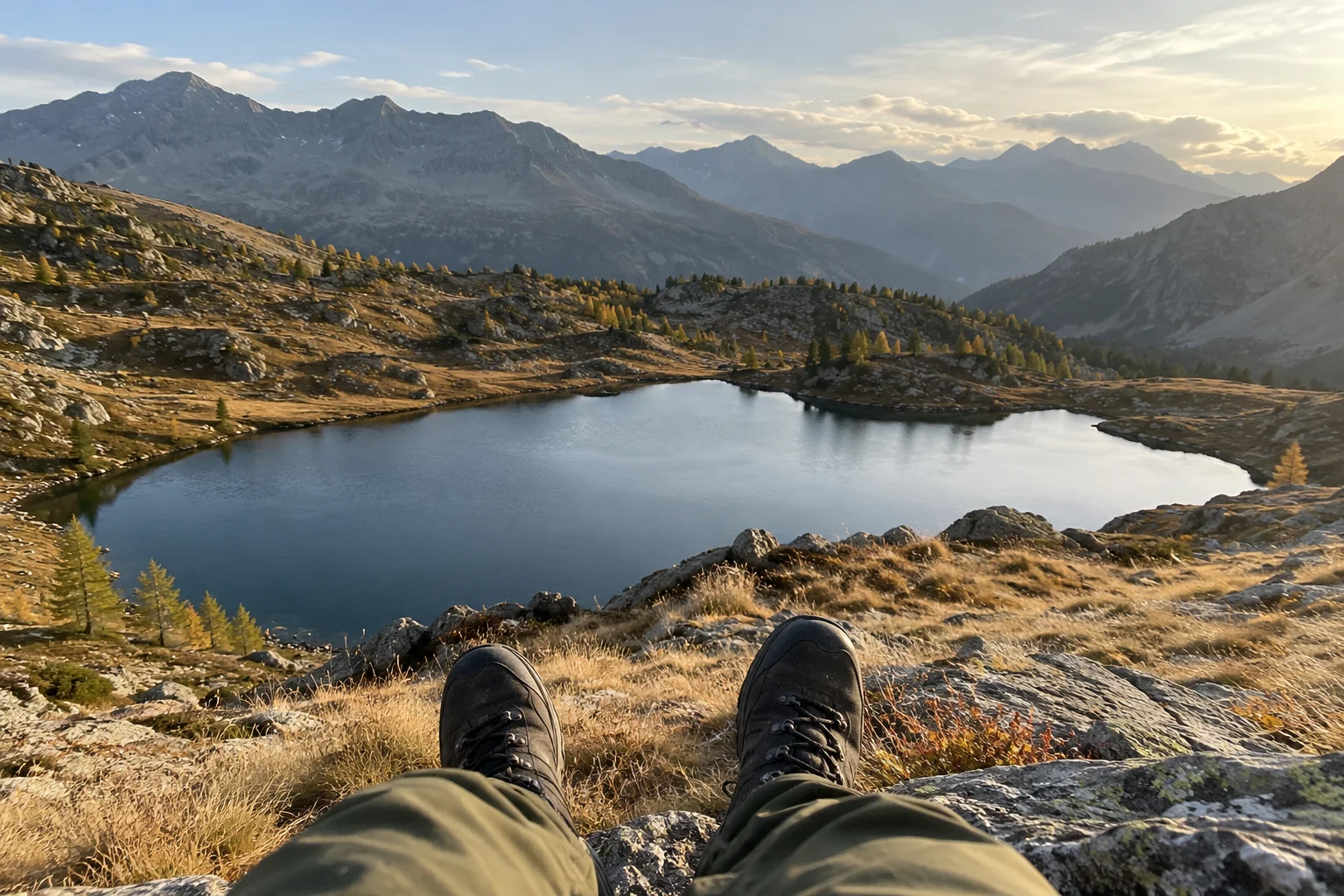
Walk to the lake
A one-day walk
Check my walking shoesDone
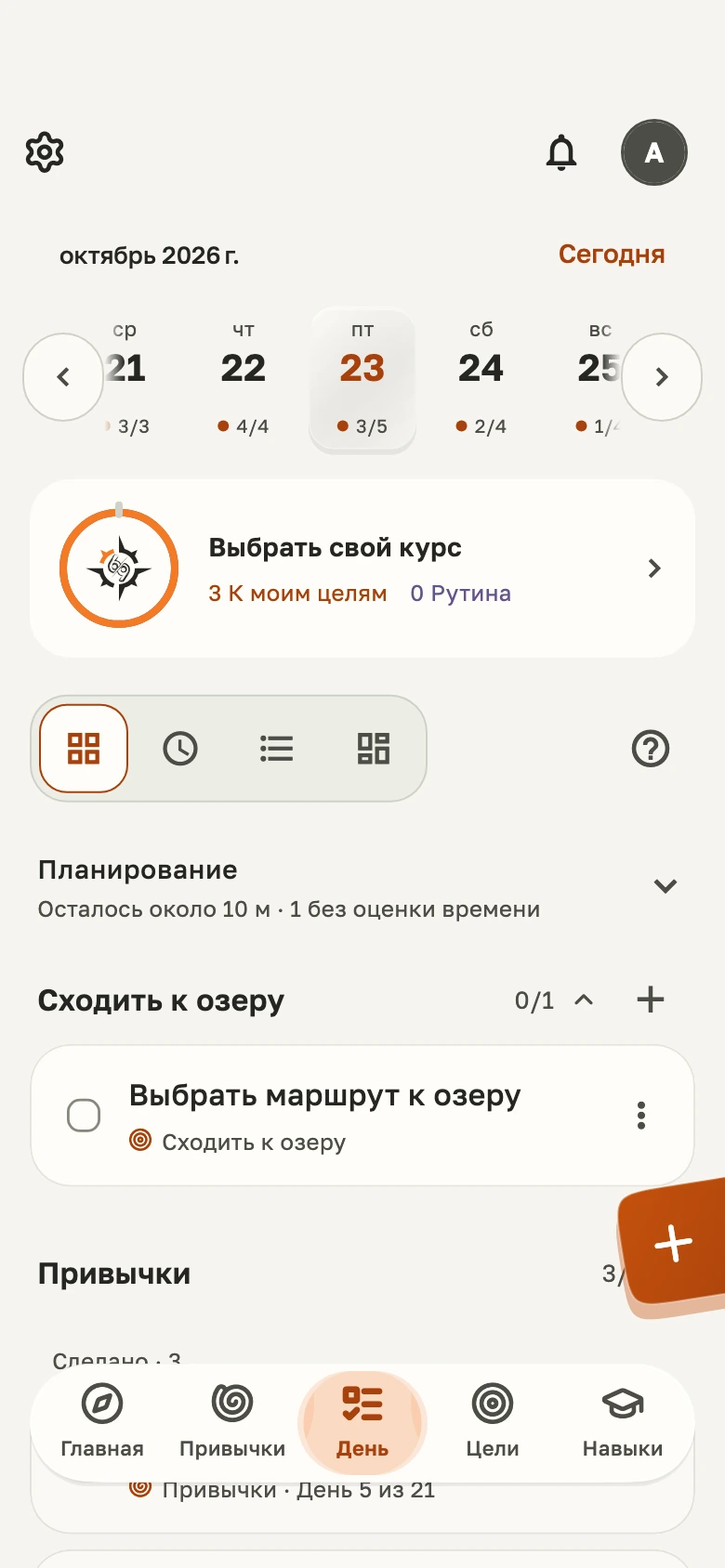
Choose a route to the lake23 October · evening
Walk to the lake27 October
Add steps towards your goals to your day. Keep notes, photos and results in your journal.
A one-day walk
Towards my goals
Made it to the lake.
Next time I’ll set off earlier.
Plan in the chat you already use. Add tasks, work on your goals and save journal entries as you talk.
Your updates appear in 69un.do,
on the web and in the app.
Done. I added it to tomorrow’s plan.
If your AI service supports MCP connections, open its connection settings. Add the 69un.do server address and choose OAuth to sign in.
https://69un.do/api/ai/mcp
Sign in to 69un.do and review the request to give your assistant full access to your account data.
To view activity or revoke access, open “AI assistants” in your 69un.do settings.
Manage your assistant’s access and view its activity in 69un.do settings
One account for the website and app
Today’s tasks, habits and steps towards your goals
Steps, photos and results for your goal
Your own schedule and completion history
Notes, photos and results in one story
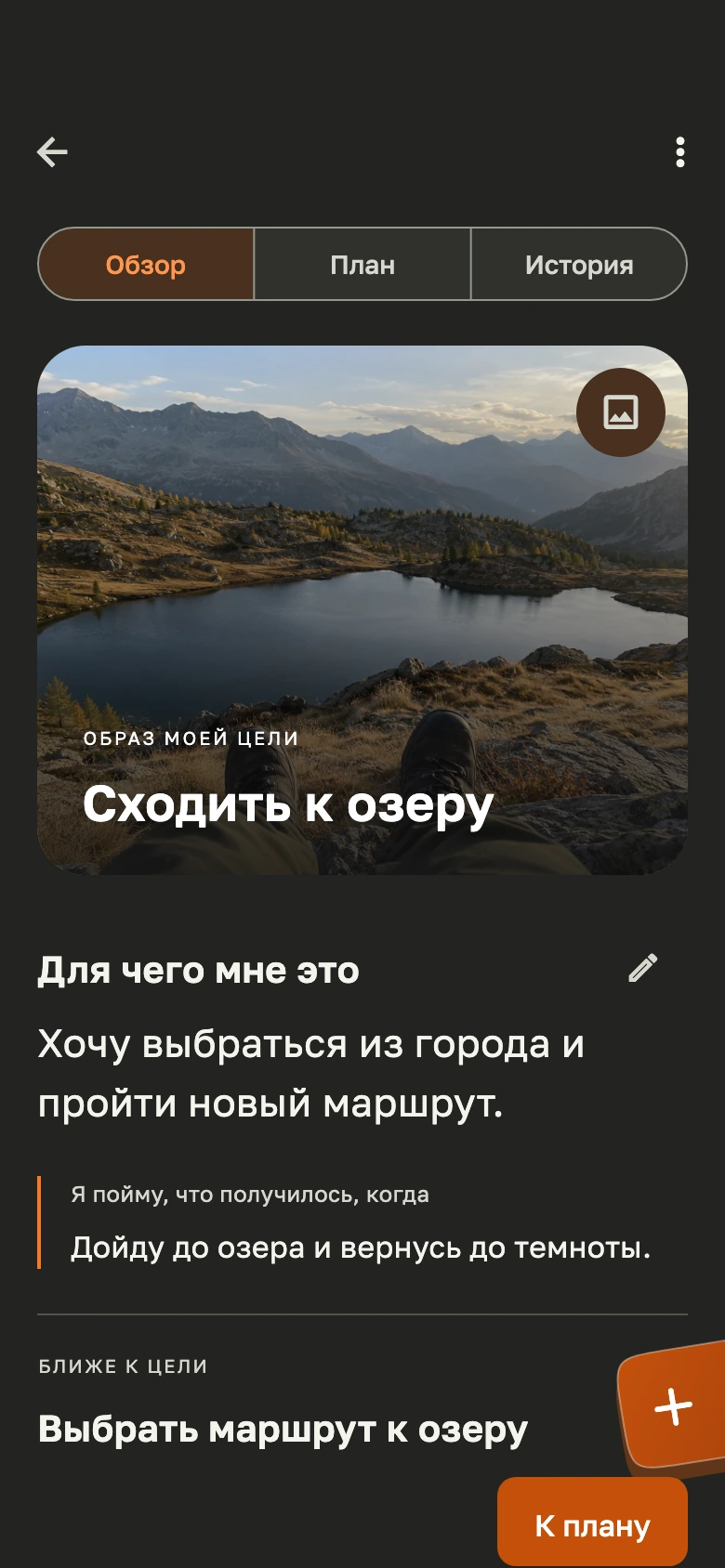
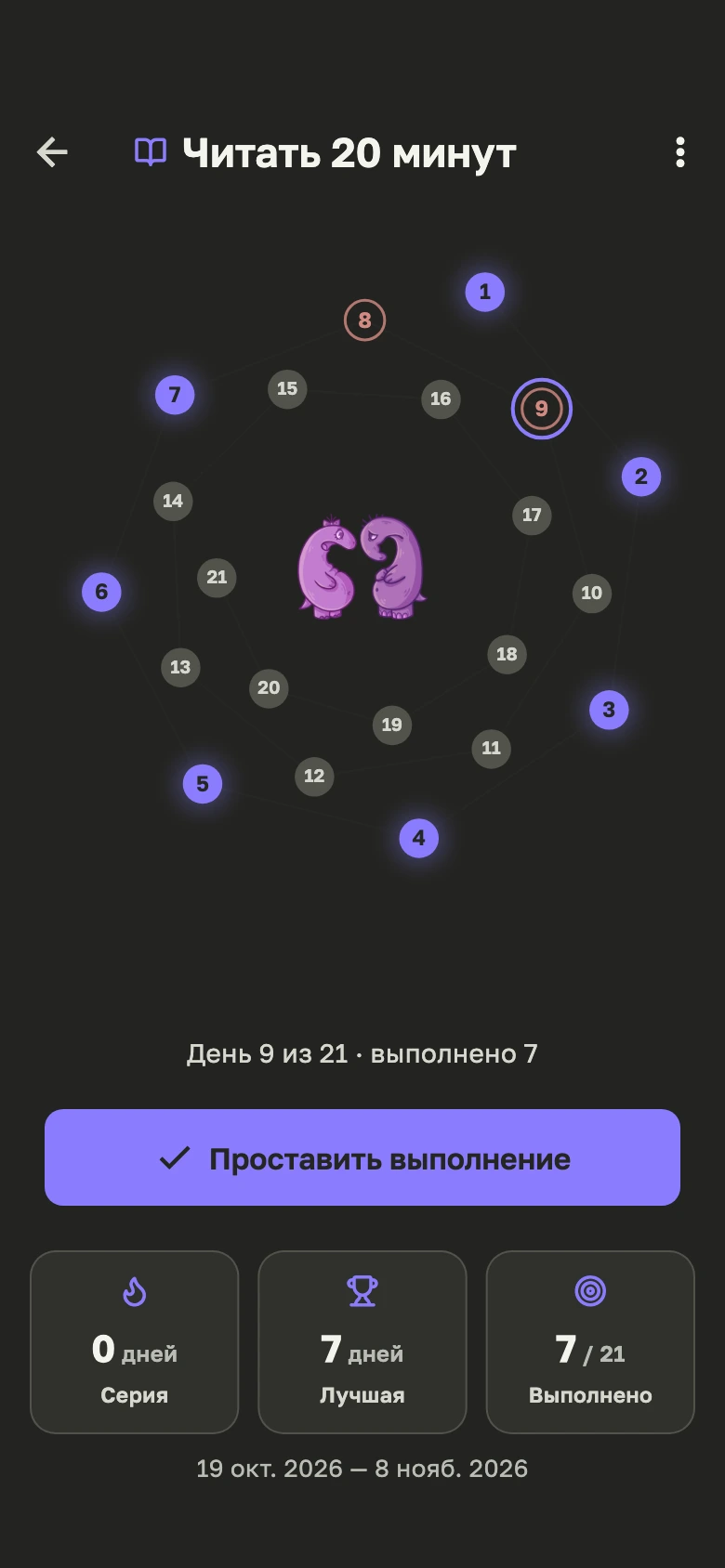
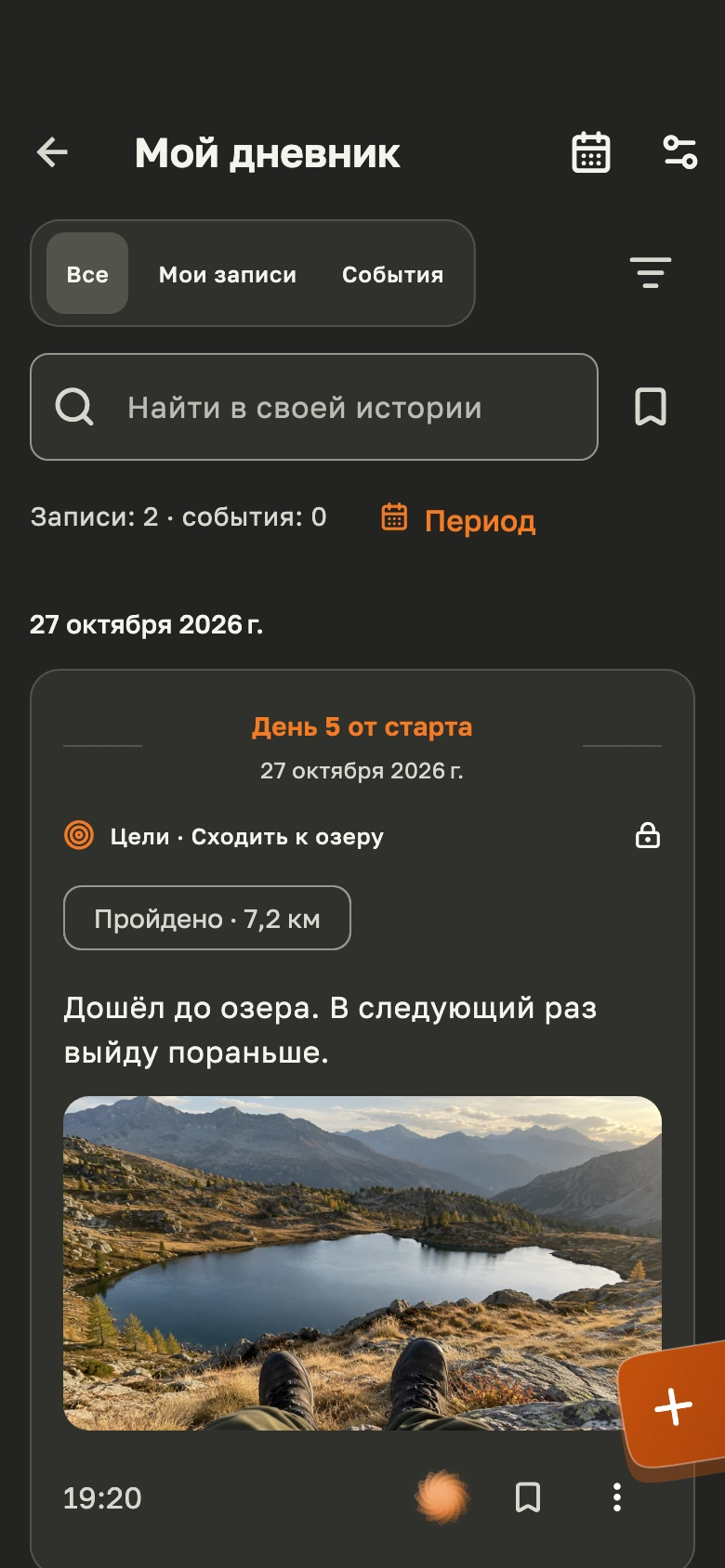
Light and dark themes · example data · screens shown in Russian


69un.do works in your browser and in the app. Your goals, habits, tasks and journal stay in one account.
Give a step a date or schedule and it will appear in Day.
Yes. Goals, habits, tasks and your journal are available in the browser. Sign in with a code sent to your email.
Sign in with the same email. Plans and entries sync with the website. Links to the App Store and Google Play appear above as they become available. If the link for your phone is not available yet, contact support.